
Guided Staff Screen Tours & Writing Helper
Help new front-desk staff learn each screen with step-by-step guided tours, and tidy up rough curriculum notes quickly.
Every admin screen includes an optional step-by-step guided tour with spoken narration so new staff can learn where things are, plus a writing helper for formatting rank checklists and announcements.
- On-demand guided tours available from the Help button on every admin screen
- Optional spoken narration with adjustable playback speed (1x to 2x) and mute control
- Built-in writing helper to turn rough coaching notes into clear rank requirements or announcements
See the platform and discuss access to a 14-day trial.
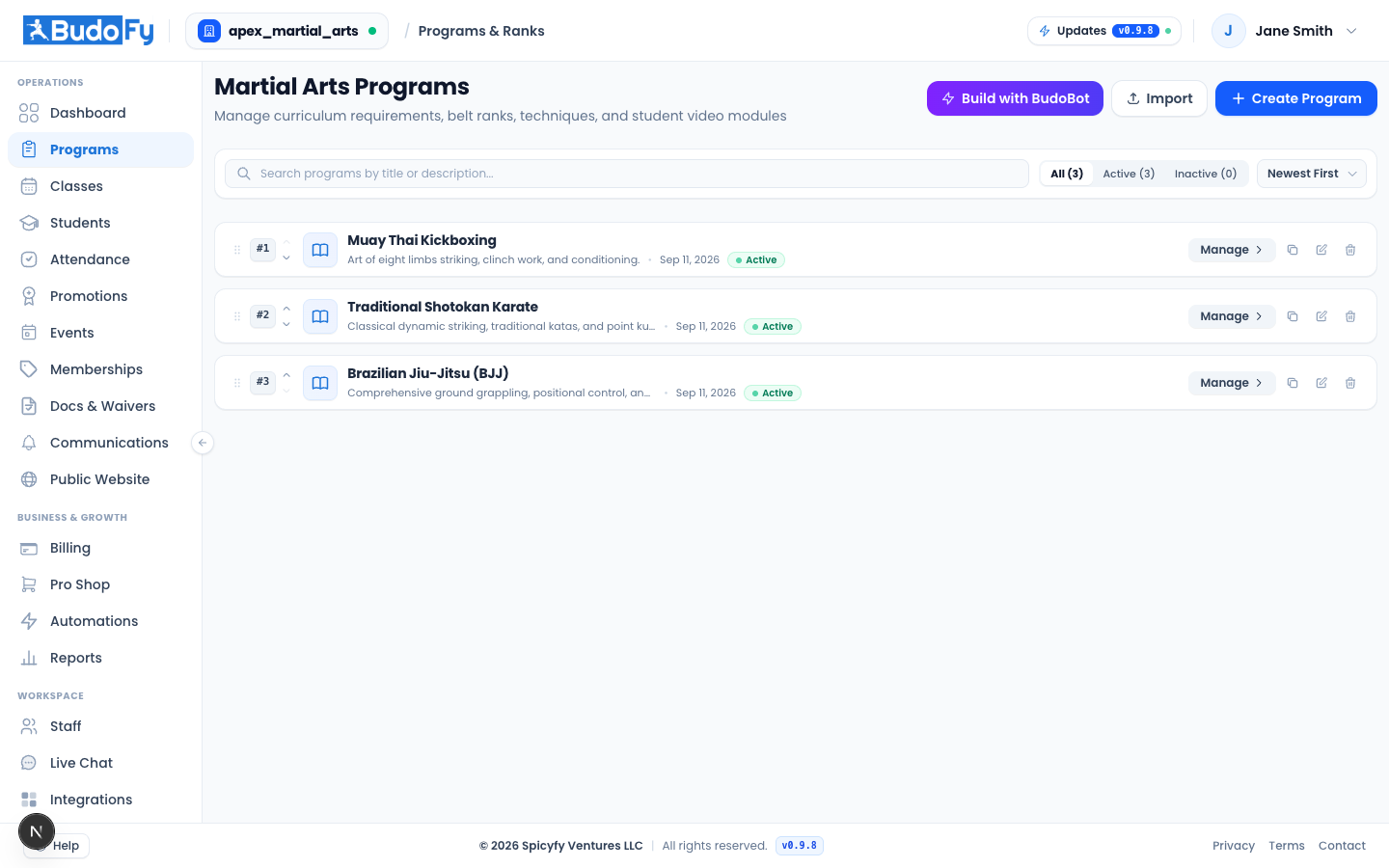
Help new staff learn each screen with guided page tours and draft clearer syllabus notes.
What you can do with guided staff tours
Self-paced staff onboarding
New front-desk helpers or assistant coaches can click Help on any screen to step through how that page works.
Adjustable audio narration
Listen at 1x to 2x speed or mute audio and read the step-by-step visual prompts.
Clearer syllabus and announcement drafts
Clean up quick bullet notes when writing belt requirements or parent announcements.
How guided staff tours works day to day
Click the Help button on any admin screen to start the guided tour for that page.
Step through the highlighted controls at your preferred pace.
Use the writing helper while editing rank requirements or announcements whenever you want cleaner wording.
Useful questions about guided staff tours
How does guided staff tours help day to day?
Help new front-desk staff learn each screen with step-by-step guided tours, and tidy up rough curriculum notes quickly. Every admin screen includes an optional step-by-step guided tour with spoken narration so new staff can learn where things are, plus a writing helper for formatting rank checklists and announcements.
Is this included in the $49 per active program monthly price?
Yes. Every active program is $49 per month with no per-student software fee, and includes student records, curriculum, attendance, scheduling, billing, and the student web portal.
How can we see this working for our school?
Book a 15-minute walkthrough with our team to see the platform configured for your programs and discuss access to a 14-day trial.
Related school tools
Staff Permissions
Give owners, head instructors, assistant coaches, and front-desk staff individual logins with access matched to their job.
Activity Logs & 2FA
Protect staff logins with two-factor authentication (2FA) and review a clear record of fee waivers, voided bills, and setting changes.
Stripe & Integrations
Connect your school directly to your own Stripe account, pair Voiceyfy phone and chat tools, and export clean CSV spreadsheets anytime.
See how guided staff tours works for your school
Walk through your programs, schedule, and student setup with our team in 15 minutes.
See the platform and discuss access to a 14-day trial.